Games / Minecraft Classic
Play Minecraft Classic in Your Browser
Web browser (Mojang's re-release of its 2009 version) · 2009 · Sandbox building
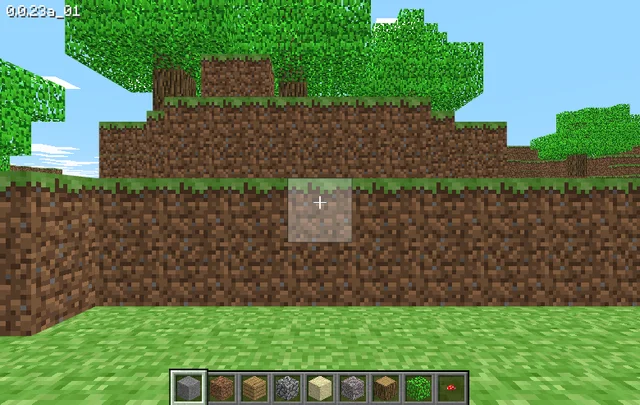
Mojang's browser re-release of the 2009 version of Minecraft, hosted by Mojang Studios at classic.minecraft.net. It needs a keyboard and offers 32 blocks to build with. We played it briefly on November 17, 2026.
Where to play
Minecraft Classic on classic.minecraft.net
Open the browser version (external site)Report broken link
This title is not stored or hosted on this site: the button opens the hosting project's own website. Check any requirements listed below before you launch. We summarize details from that project's pages, and we cannot promise how it will run on your device.Report a problem or request removal.
- Hosted by
- Mojang Studios
- Runs on
- In-browser WebGL game
- Requirements
- A keyboard
- A browser that supports WebGL and WebRTC
- Controls
- Keyboard, Mouse
- Saving
- Settings such as Show FPS were remembered by the browser. A reopened tab started in a new random world, so do not expect your world to still be there (checked November 17, 2026). Enter saves a location and R returns to it within a session.
- License
- Official release by Mojang Studios. Read the terms
- Documentation
- Project documentation
- Our last test
- 2026-11-17: hands-on test, result "partial" (Chrome 157 headless, Linux server, desktop viewport). Loads straight into a playable world (version 0.0.23a_01) with no name, sign-in or payment prompt; W/D move, B opens a 32-block picker, Esc opens Options/Generate new level/Back to game, Enter and R save and load a location. Runs at only about 1 to 5 fps here (software WebGL), mouse look, block breaking/placing and audio were not tested, and a reopened tab generated a different world (only settings persisted). Real-hardware performance not verified.
Credits: Minecraft Classic is published by Mojang and Microsoft. This is not an official Minecraft product and is not approved by or associated with Mojang or Microsoft.
What Minecraft Classic is
Minecraft Classic is a version of Minecraft that Mojang put on the web in May 2019. It recreates the 2009 look and feel of the game and runs in a browser. Mojang’s announcement says it has just 32 blocks to build with and keeps all the original bugs. The game is hosted by Mojang Studios at classic.minecraft.net. This site only links to it.
We opened it on November 17, 2026 and moved around the world, but we did not test mouse look or placing and breaking blocks, so how it feels to build in is not verified.
Playing it in your browser
This is an official release by Mojang Studios. The launch card lists the terms page, Minecraft’s Usage Guidelines. The game is the page that Mojang’s own announcement points to, classic.minecraft.net. Its requirements come from the page’s own wording:
- A keyboard. The page’s own code shows a message that this version of Minecraft requires a keyboard and asks you to try another device.
- A browser with WebGL and WebRTC. The page’s code says that if your browser lacks either, it tells you it cannot run the game.
We did not see either message, because our test browser has all three. What we saw on November 17, 2026: the page opens directly into the game with a version string (“0.0.23a_01”), a crosshair and a nine-slot block bar. No name, sign-in, payment or cookie prompt appeared, and each fresh load gave a different random world.
Test limit: tested in headless Chrome 157 on a Linux server using software WebGL, where the game ran at only 1 to 5 frames per second. That says nothing about a real computer. Not verified: real-hardware speed, sound, other browsers, phones and tablets.
Other sites use the name “Minecraft Classic” for their own copies or imitations. If you want the version Mojang published, use the link on this page.
Game rules and how it works
What we can document today comes from Mojang’s announcement and from the game page’s own menus:
- Blocks. You get 32 blocks to build with. The B key opens a block picker with 32 blocks in four rows of eight (stone, dirt, planks, sand, glass, gold and 16 colored cloth blocks among them); B again closes it.
- Original behavior. The announcement says the original bugs are still there.
- Game menu. Esc opens three buttons: Options, Generate new level and Back to game. Generate new level offers Small, Normal and Huge; we pressed Cancel, so we did not see a new world made.
- Options. Music (off by default), Sound (on), Invert mouse, Show FPS, Render distance and Controls. The buttons responded to clicks.
- Locations. Enter saves your position and R returns to it.
In the short session we saw no survival mode, mobs, health bar or crafting, only a block palette. That is “none seen”, not proof of absence.
Controls
These keys are on the game’s own Controls screen (Esc, Options, Controls). We pressed W, D, B, Enter and R and saw each work; the rest are listed but not individually tested.
| Action | Default key | What we saw |
|---|---|---|
| Move forward, left, back, right | W, A, S, D | W moved us forward and D strafed; A and S not tried |
| Jump | Space | Not tested |
| Build | B | Opens and closes the 32-block picker |
| Chat | T | Not tested |
| Toggle fog | F | Not tested |
| Save location | Enter | Worked |
| Load location | R | Worked |
The Controls screen has no mouse entry. The pointer was never captured in our test, so mouse look and mouse buttons were not tested, nor whether keys can be reassigned.
Saving and multiplayer
Saving. Checked November 17, 2026: after we closed the tab and reopened the page in a new tab, Show FPS was still on, so settings are remembered. The world, however, was a newly generated map, so we did not see a world restored. We did not test a world with a block placed in it. Do not count on your world surviving a closed tab.
Multiplayer. The page’s code contains text about hosting a game and inviting friends, but we saw no host, invite or join button in the menus and did not try chat. Whether multiplayer works is not verified.
Tips and tricks
The sources document very little about how to play. The first three tips are what the game page itself shows; the last two come from our own play-test.
- The Controls screen lists every key, so you can check your setup without leaving the page. Documented, read from the shipped page code; we saw the same list on screen.
- Generate new level offers Small, Normal and Huge worlds. Documented, read from the shipped page code.
- Options includes a Show FPS switch and Render distance steps (Far, Normal, Short, Tiny). Documented, read from the shipped page code.
- Our own play-test: press Enter to save your position and R to return to it; the view snapped back in our test.
- Our own play-test: Options, Show FPS adds a frame-rate counter, and the browser remembered the setting after we reopened the page.
History in brief
Mojang’s announcement is dated May 7, 2019, and says Minecraft would turn ten years old in ten days. It presents Classic as a nostalgic look back at 2009. We have sourced nothing about its later history.
FAQ
How do I play Minecraft Classic in my browser?
Open classic.minecraft.net on a device with a keyboard, in a browser that supports WebGL and WebRTC. It opened straight into the game in our test on November 17, 2026.
Do I need an account or a download?
No name, sign-in or payment prompt appeared in our test, and there was no download step (checked November 17, 2026).
Can I play it on a phone or tablet?
The page’s own code says this version requires a keyboard, so a laptop or desktop is the safe choice. We did not test phones or tablets.
Does Minecraft Classic have multiplayer?
Not verified. We saw no multiplayer buttons in the menus and did not test chat.
Can I save my world?
Settings were remembered after we reopened the page, but the world was not: a reopened tab gave us a new world.
Is every site called “Minecraft Classic” the one Mojang published?
No. Only the route above is the one Mojang’s announcement links to. Copies and imitations exist under similar names.
Sources and credits
- Embrace the Past with Minecraft Classic, Mojang announcement by Tom Stone, May 7, 2019.
- Minecraft Classic, the game page and its shipped code, read on November 17, 2026 and played briefly the same day.
- Minecraft Usage Guidelines.
Minecraft belongs to Mojang and Microsoft. This is not an official Minecraft product and is not approved by or associated with Mojang or Microsoft.
More games
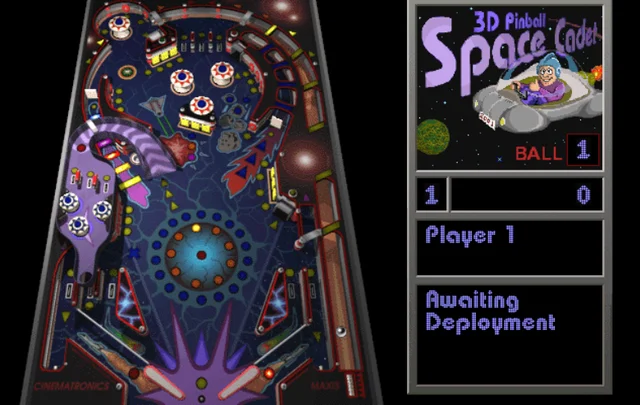
3D Pinball for Windows - Space Cadet
Windows 95 to XP · 1995 · Pinball
The space-themed pinball table that shipped with Windows 95 through XP. This page lists three browser routes, what we saw when we played each on November 17, 2026, and the rules, controls and tips that our sources document.
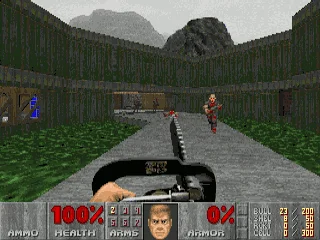
Doom
MS-DOS · 1993 · First-person shooter
id Software's 1993 shooter, where a lone space marine fights through Mars moon bases and into hell. This page lists two browser routes for the DOS original, its rules and keyboard controls, and what we saw when we played both on November 17, 2026.
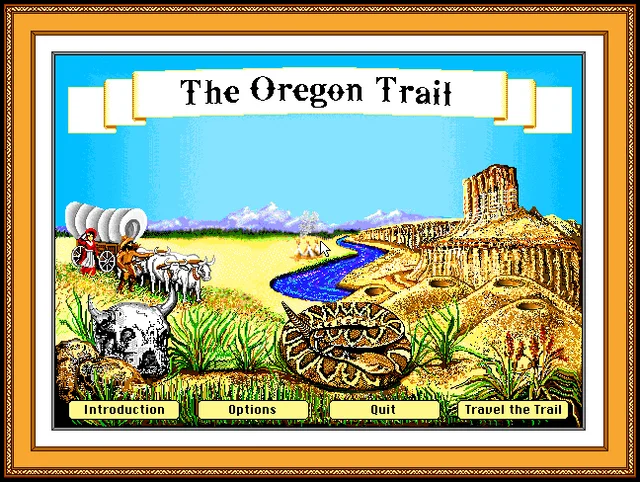
The Oregon Trail
DOS (Deluxe edition, 1992) · 1992 · Educational simulation
MECC's wagon-trip simulation from the school computer lab. This page covers the 1990 and 1992 DOS editions that run in a browser, how the editions differ, the rules and tips from the 1985 manual, and what we saw when we tried both on November 17, 2026.
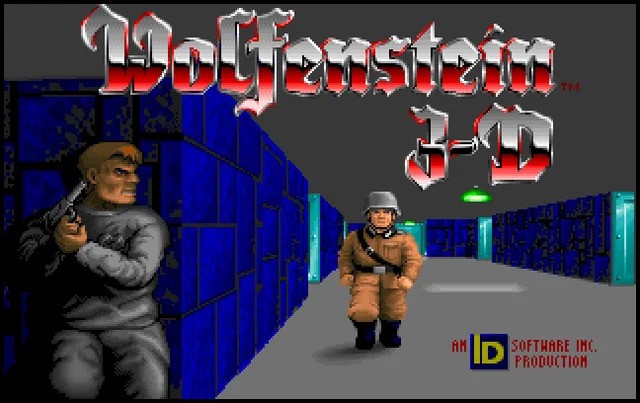
Wolfenstein 3D
DOS · 1992 · First-person shooter
A 1992 DOS first-person shooter from id Software in which an Allied spy fights his way out of a Nazi castle. This page points to two browser versions, what we saw when we played them on November 17, 2026, and the rules, controls and tips from the original manual.